Adware is bothersome, disruptive, and have been around for a long time, but they're still around. In fact, we recently discovered an active adware family (detected by Trend Micro as AndroidOS_HidenAd) disguised as 85 game, TV, and remote control simulator apps on the Google Play store. This adware is capable of displaying full-screen ads, hiding itself, monitoring a device’s screen unlocking functionality, and running in the mobile device’s background. The 85 fake apps, which have been downloaded a total of 9 million times around the world. After verifying our report, Google swiftly suspended the fake apps from the Play store.


The “Easy Universal TV Remote,” which claims to allow users to use their smartphones to control their TV, is the most downloaded among the 85 adware-loaded apps.
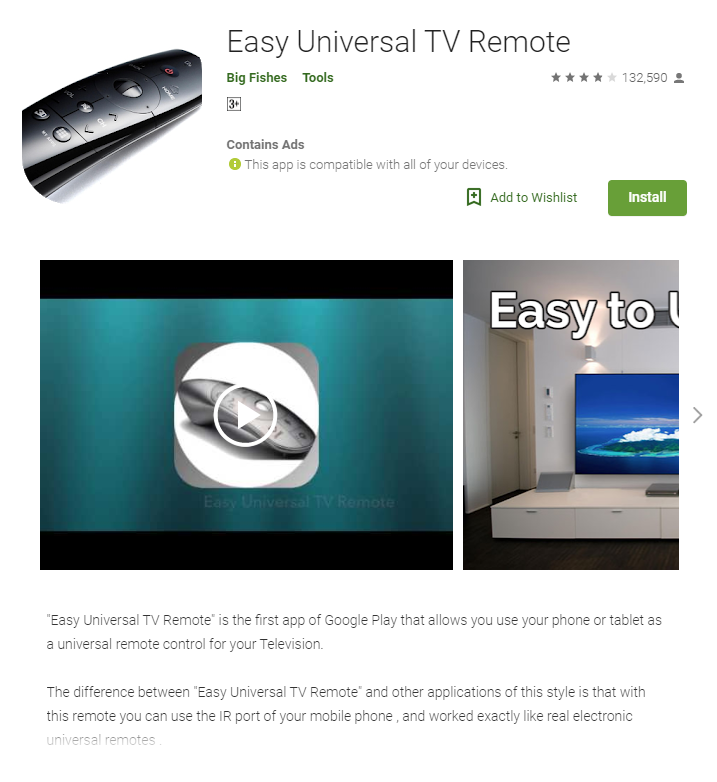
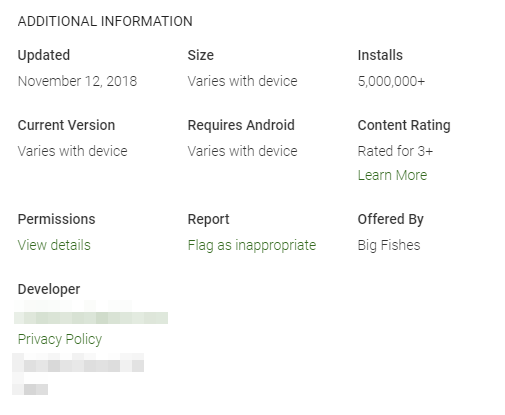
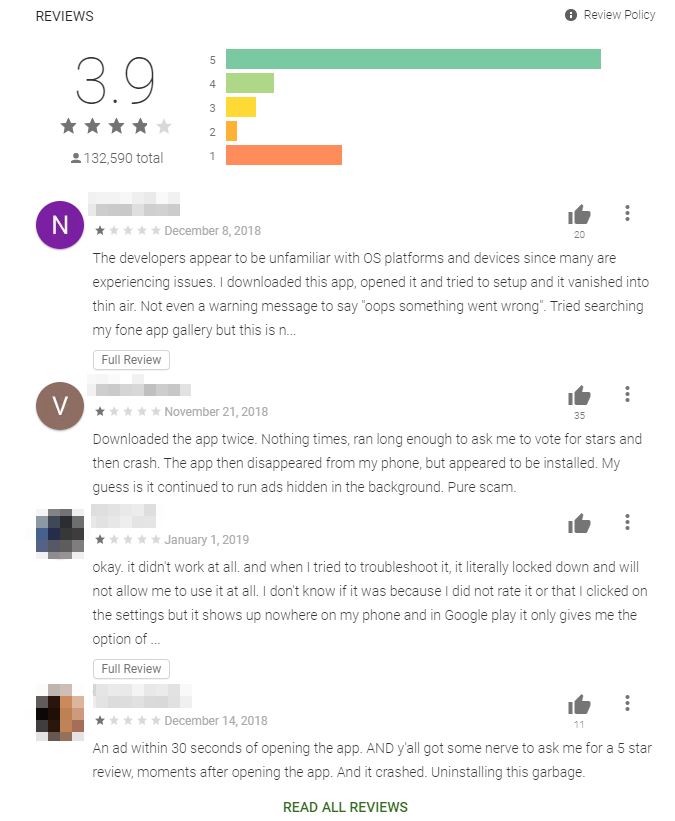
The fake app, which already has been downloaded more than 5 million times, has received multiple complaints on the comment section pertaining to its behaviors.
Behavior Analysis
We tested each of the fake apps related to the adware family and discovered that though they come from different makers and have different APK cert public keys, they exhibit similar behaviors and share the same code. After the adware is downloaded and launched on a mobile device, a full-screen ad initially pops up.
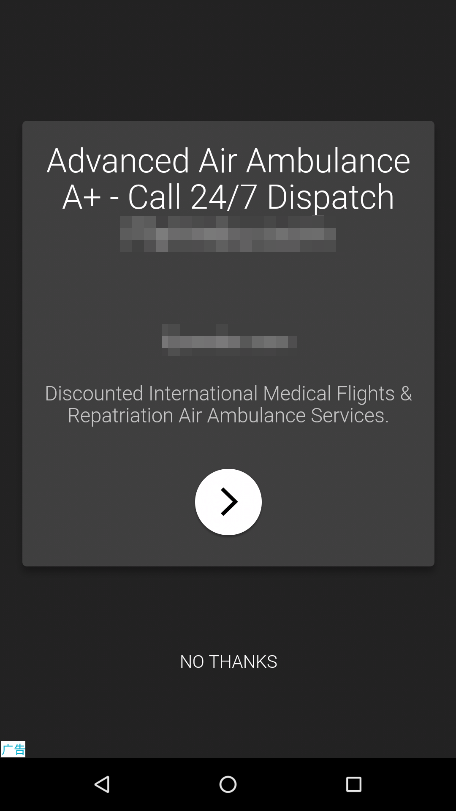
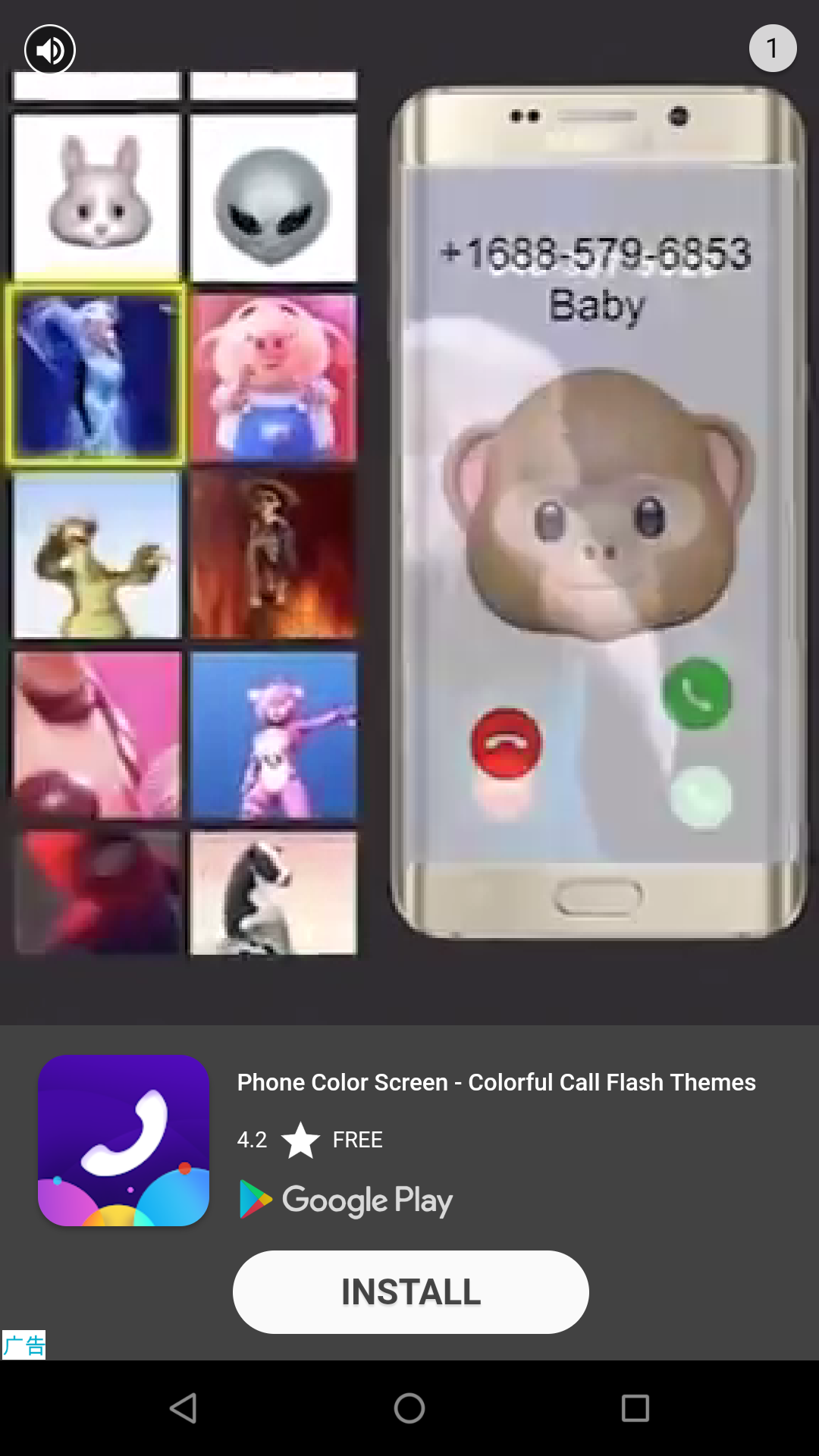
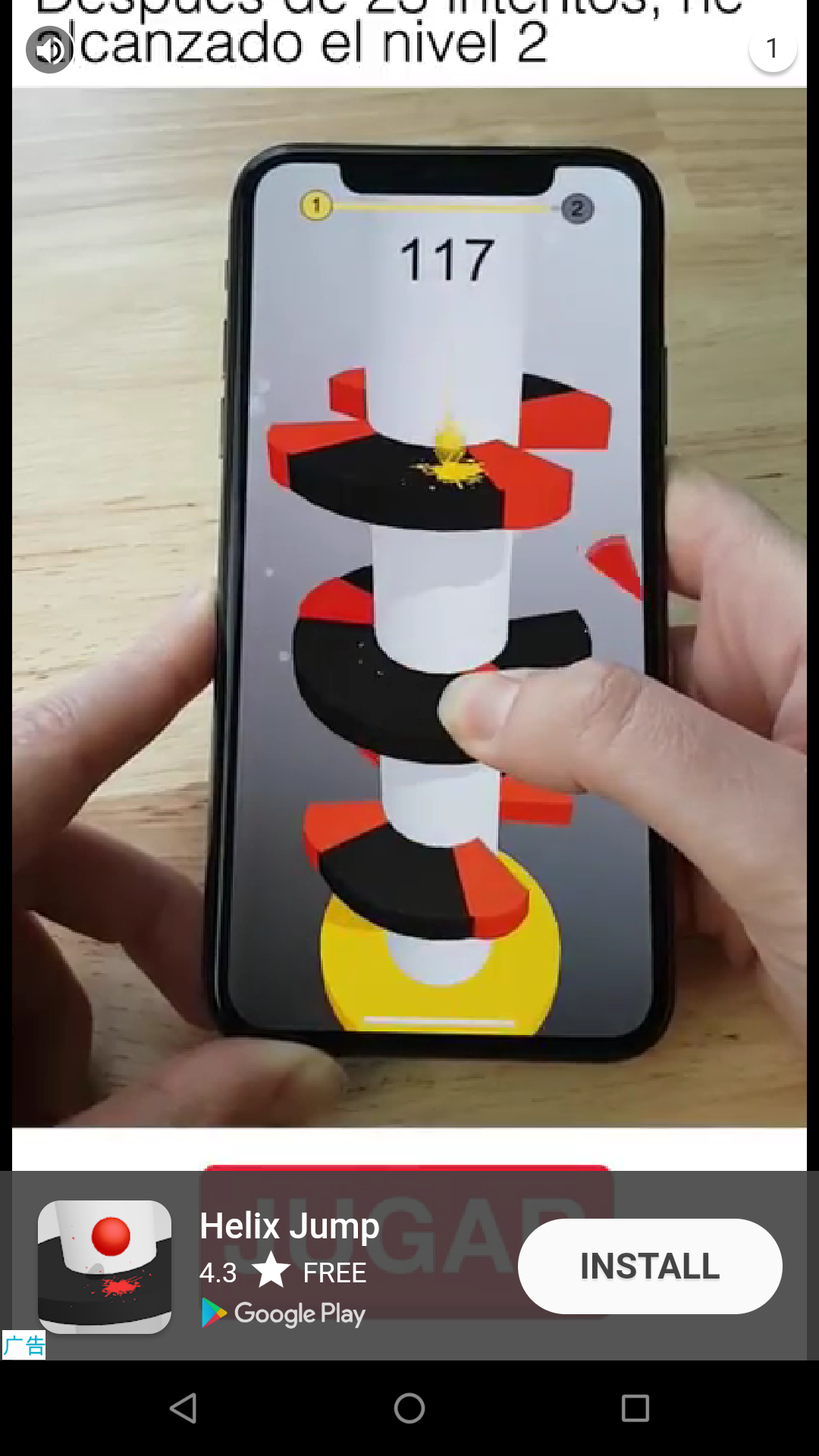
Upon closing the first ad, call to action buttons such as “start,” “open app,” or “next,” as well as a banner ad will appear on the mobile device’s screen. Tapping on the call to action button brings up another full-screen ad.
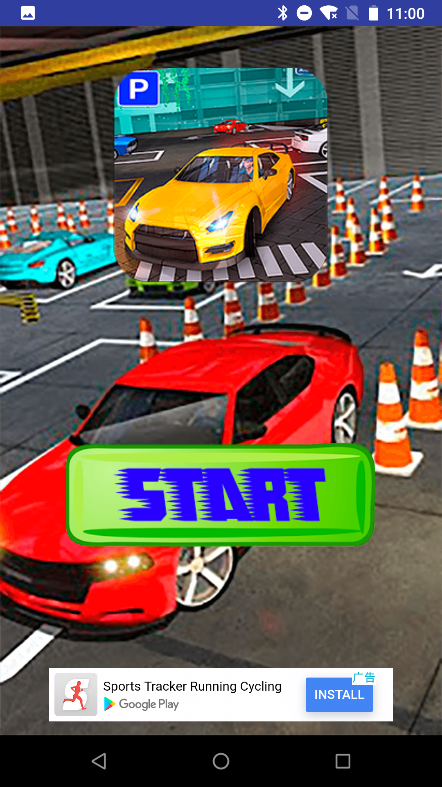
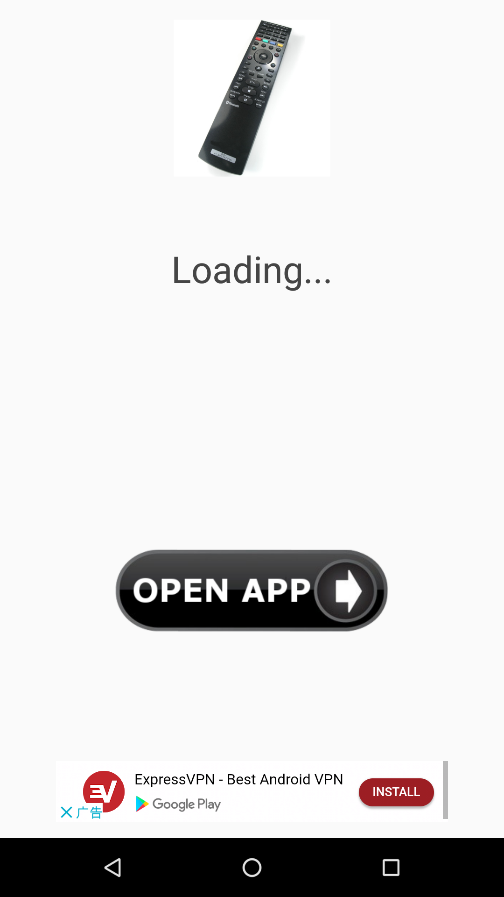
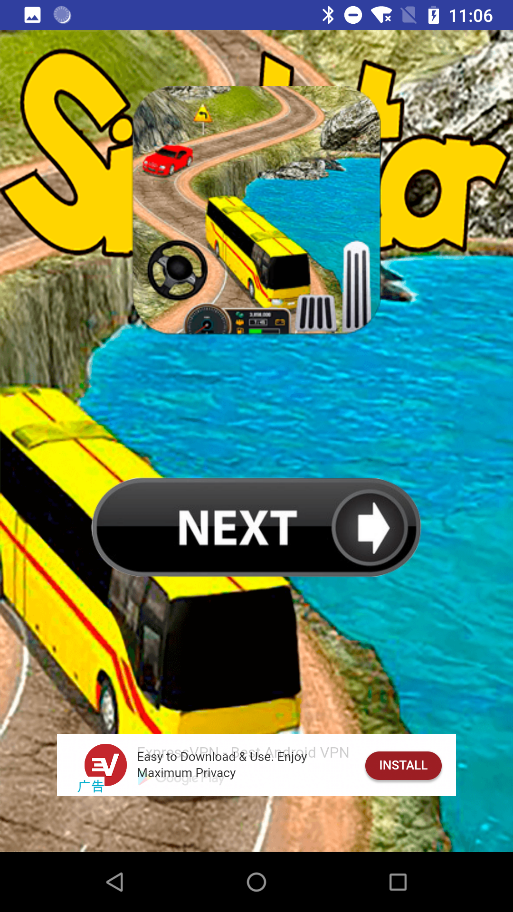

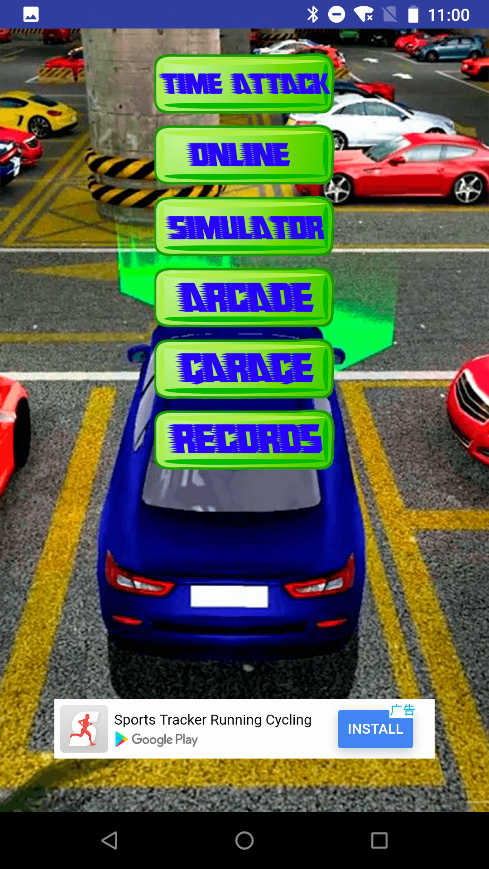
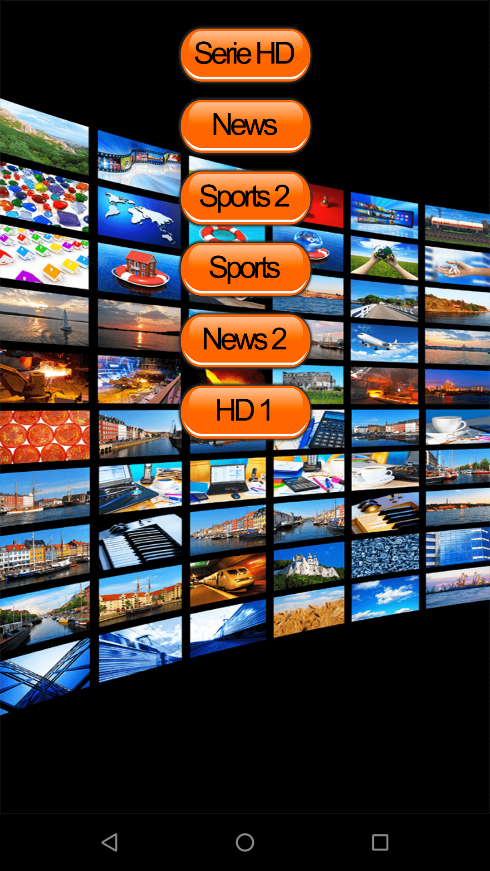
After the user exits the full-screen ad, more buttons that provide app-related options for users appear on the screen. It also prompts the user to give the app a five-star rating on Google Play. If the user clicks on any of the buttons, a full-screen ad will pop up again.

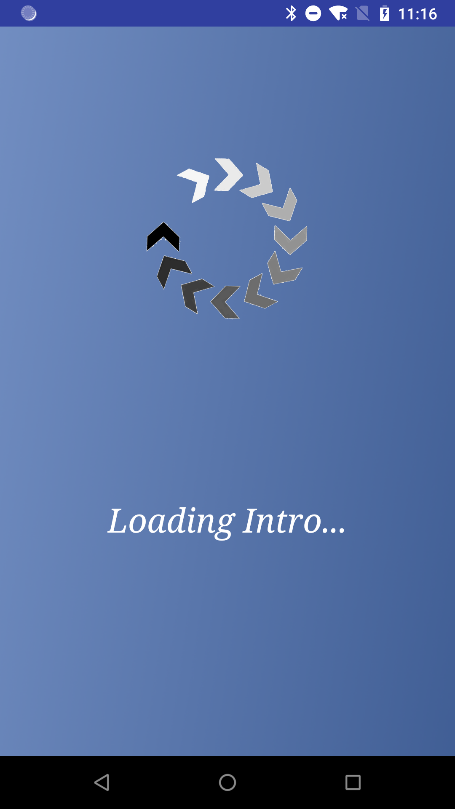
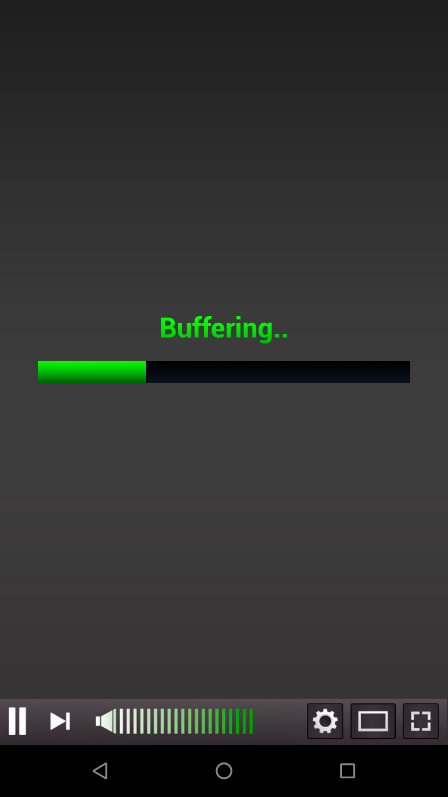
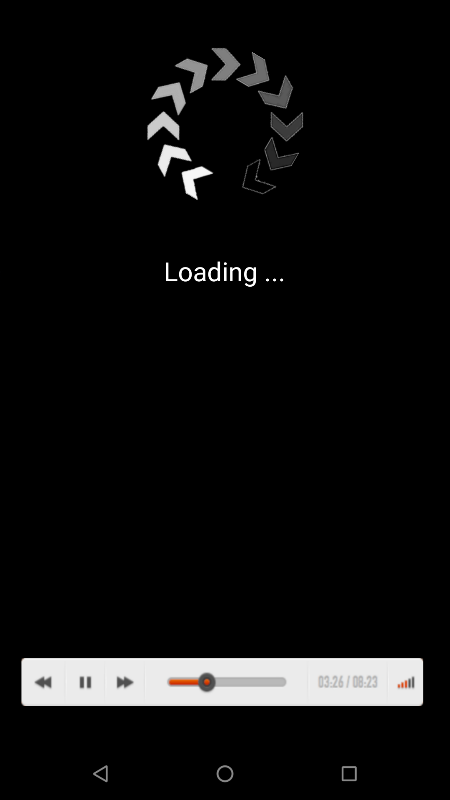
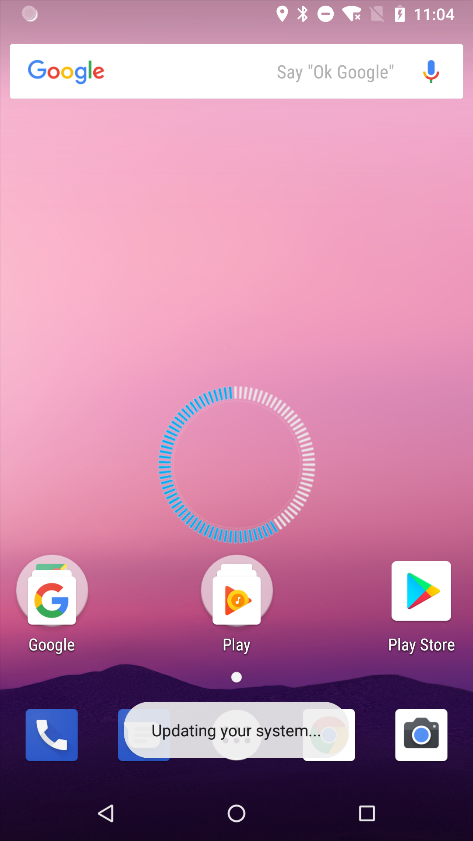
Afterwards, the app informs the user that it is loading or buffering. However, after a few seconds, the app disappears from the user’s screen and hides its icon on the device. The fake app still runs in a device’s background after hiding itself. Though hidden, the adware is configured to show a full-screen ad every 15 or 30 minutes on the user’s device.

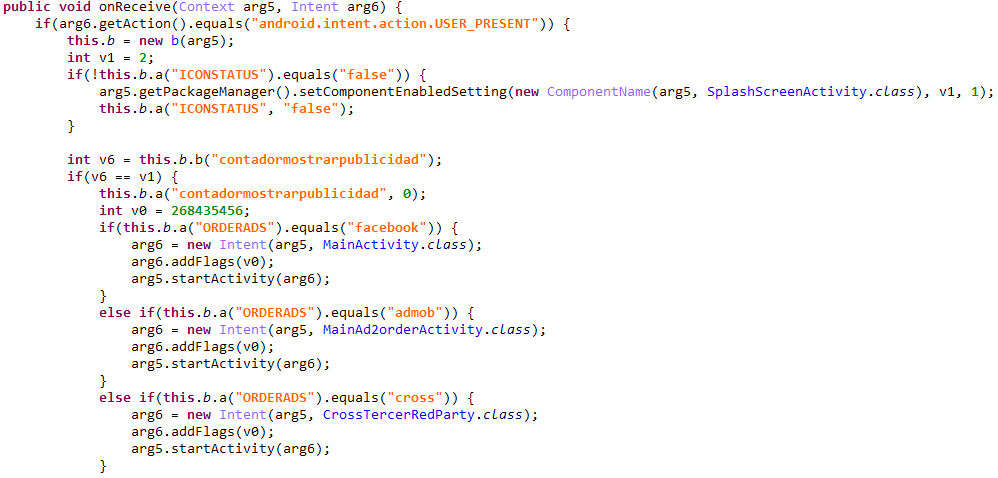
Some of the fake apps exhibit another type of ad-showing behavior that monitors user screen unlocking action and shows an ad each time the user unlocks the mobile device’s screen. A receiver module registers in AndroidManifest.xml so that each time a user unlocks the device it will then trigger a full-screen ad pop up.


Trend Micro Solutions
While the fake apps can be removed manually via the phone’s app uninstall feature, it can be difficult to get there when full-screen ads show up every 15 or 30 minutes or each time a user unlocks the device’s screen.
As more and more people become dependent on mobile devices, the need to keep mobile devices safe from a growing number of mobile threats — such as fake apps laced with adware — is all the more pertinent.
Trend Micro customers are protected with multilayered mobile security solutions via Trend Micro™ Mobile Security. Trend Micro™ Mobile Security for Enterprise solutions provide device, compliance, and application management, data protection, and configuration provisioning, as well as protect devices from attacks that exploit vulnerabilities, preventing unauthorized access to apps and detecting and blocking malware and fraudulent websites. Trend Micro™ Mobile App Reputation Service (MARS) covers threats to Android and iOS devices using leading sandbox and machine learning technologies. It can protect users against malware, zero-day and known exploits, privacy leaks, and application vulnerabilities. A comprehensive list of the indicators of compromise can be found here.